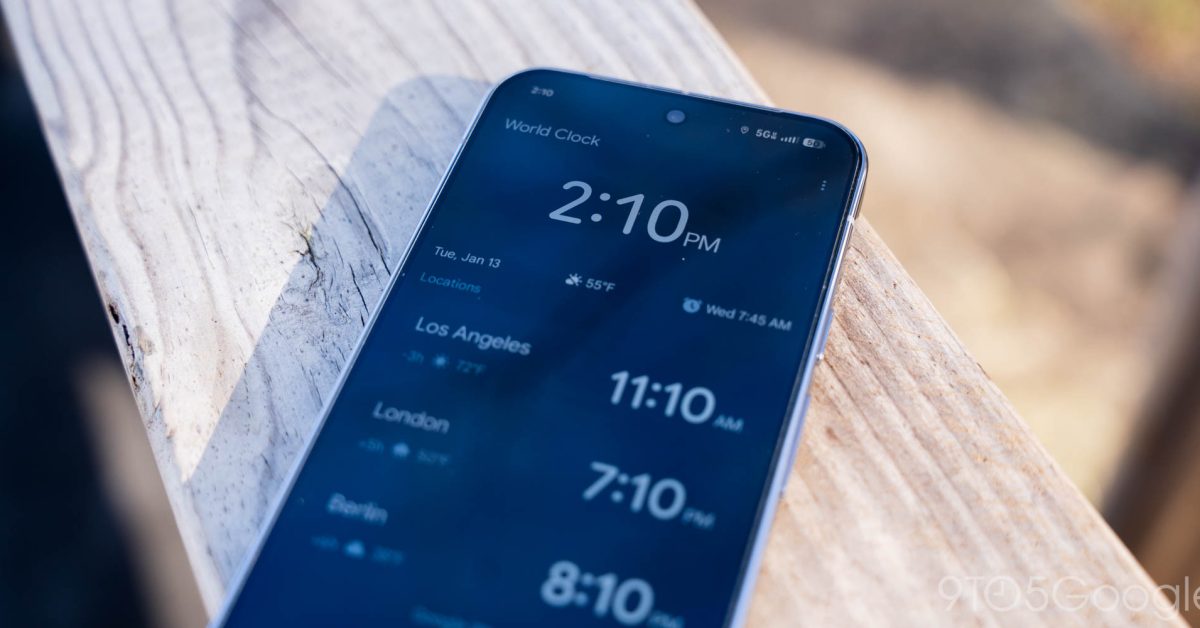
The Subtle Genius of a Swipe: How Google Clock 8.5 Transforms Your Morning Ritual
In an age dominated by grand announcements of AI breakthroughs and revolutionary hardware, it's often the minutiae of user experience that truly defines the quality of our digital lives. Google, a titan renowned for its innovative leaps, often polishes these everyday interactions with a quiet brilliance. The latest update to its ubiquitous Google Clock app for Android, version 8.5, is a prime example of this philosophy in action, introducing a seemingly minor feature – the ability to dismiss alarms by swiping – that carries surprisingly profound implications for our daily routines and the future of intuitive design.
Beyond the Tap: A Quest for Seamless Interaction
For years, dismissing an alarm has been a universal, albeit often clumsy, morning ritual. Whether it was fumbling for a physical button on an old-school alarm clock or precisely tapping a small 'dismiss' button on a smartphone screen, the process often felt like an unnecessary cognitive burden during those groggy, pre-caffeinated moments. Google Clock's previous iterations offered clear 'Dismiss' and 'Snooze' buttons, a functional if not always graceful solution.
The introduction of 'swipe to dismiss' in version 8.5 represents a significant evolution. It’s not just about convenience; it’s about aligning digital interaction with natural human reflexes. Swiping has become an almost instinctual gesture in modern smartphone usage, from navigating through photos to archiving emails. Integrating this fluid motion into the alarm dismissal process feels inherently more intuitive and less jarring than the precision required for a tap.
The Psychology of a Swipe: Why it Matters
Consider the typical scenario: you're just waking up, perhaps still half-asleep, vision blurry. The alarm blares. Your brain is not yet at peak performance. Reaching for a specific tap target can feel like a chore. A swipe, by contrast, requires less precise motor control. It leverages muscle memory built up from countless other app interactions. This reduction in cognitive load, however small, contributes to a less stressful start to the day.
Furthermore, the update includes a prompt that guides users on the new swipe or tap option. This thoughtful onboarding ensures that users are immediately aware of the enhanced functionality, preventing potential frustration and encouraging adoption. It highlights Google's commitment not just to new features, but to ensuring users can easily discover and utilize them.
Implications for Future UX Design
While seemingly a minor tweak, this update speaks volumes about Google's ongoing strategy for user experience. It underscores a continuous process of iterative refinement, where even core, seemingly 'solved' functionalities are re-evaluated for potential improvement. This dedication to granular detail is what elevates good apps to great ones.
We can infer a broader trend: a move towards more gesture-based controls in essential Android applications. As devices become more integrated into our lives, the demand for effortless interaction grows. 'Swipe to dismiss' could be a harbinger of more fluid, gesture-driven interfaces across the Android ecosystem, potentially extending to notifications, task management, and even system controls. This also has potential accessibility benefits, offering an alternative input method that might be easier for some users than precise tapping.
Conclusion: The Power of Small Changes
The Google Clock 8.5 update, with its simple yet powerful 'swipe to dismiss' feature, serves as a compelling reminder that innovation isn't always about revolutionary leaps. Sometimes, it's about perfecting the everyday, making the mundane a little smoother, a little more intuitive. It’s a testament to Google's understanding that true user satisfaction often lies in these subtle, thoughtful enhancements that seamlessly integrate into our lives, proving that even the most basic utilities can still evolve to offer a superior user experience.