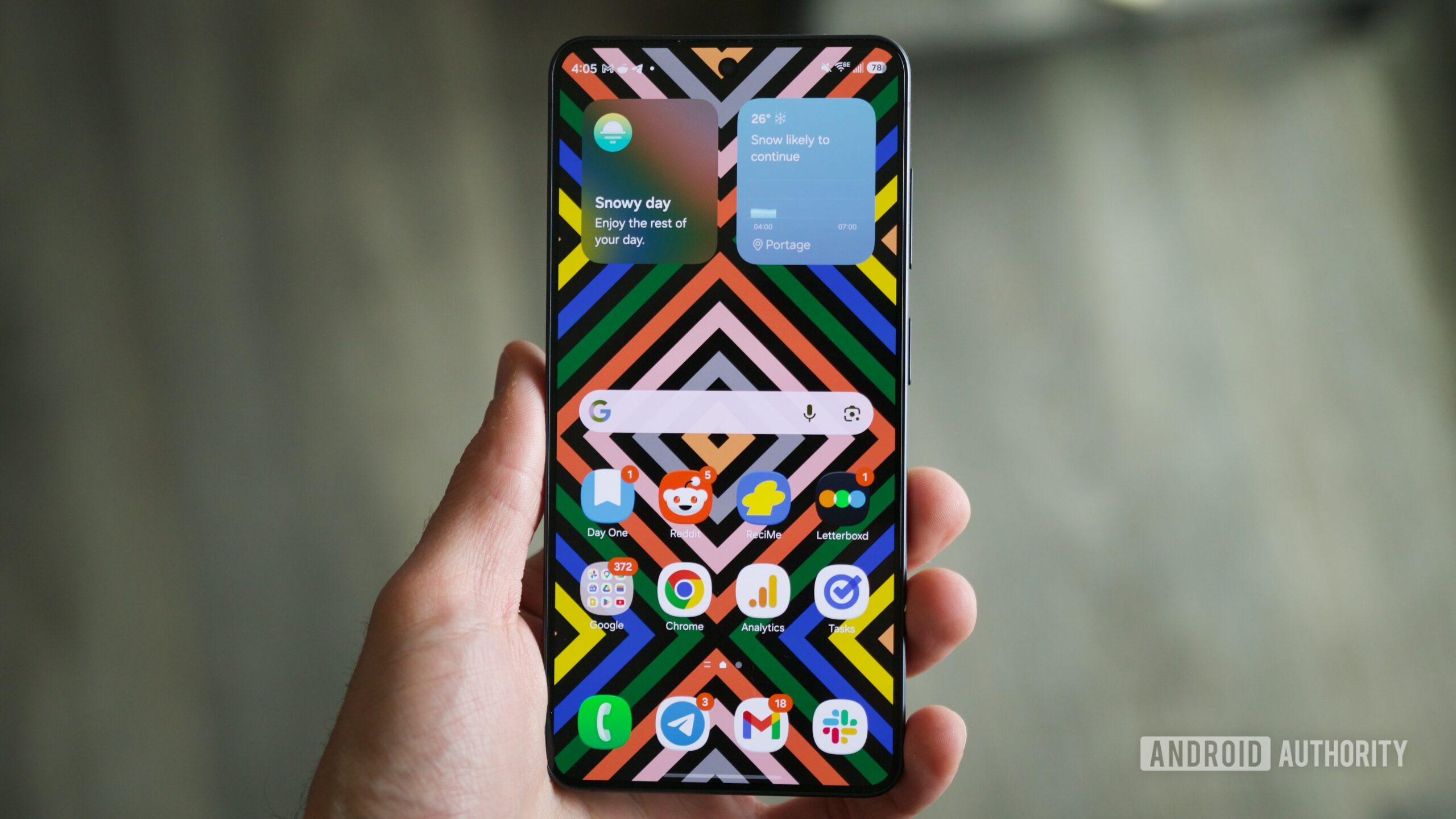
Beyond the Box: Unlocking Peak Performance and Privacy on Your New Samsung Device
The unboxing of a new Samsung smartphone is an event filled with anticipation – the sleek design, the vibrant display, the promise of cutting-edge technology. Yet, beneath this polished exterior lies a default configuration that, while convenient for some, often falls short of delivering the optimal user experience in terms of performance, battery longevity, and, critically, privacy. At NovaPress, we delve deep into why simply powering on your new device isn't enough, and how a few strategic tweaks can transform your Samsung from great to extraordinary.
The Manufacturer's Dilemma: Convenience vs. Customization
Manufacturers like Samsung face an inherent challenge: creating a universally appealing out-of-the-box experience. This often means pre-loading features, services, and default settings designed to cater to the broadest possible audience. While this approach aims for immediate usability, it frequently comes at the cost of background processes consuming valuable resources, unnecessary data collection, and a cluttered user interface that can overwhelm or frustrate discerning users. From an analytical perspective, these defaults serve multiple purposes for the manufacturer – from generating revenue through partnerships to collecting aggregated usage data for future product development. However, for the individual user, they can represent significant compromises.
Identifying the Culprits: Common Default Features to Reconsider
While the exact "six features" may vary by model and software update, the underlying categories of problematic defaults remain consistent. Understanding these allows users to take a proactive stance in optimizing their device:
1. Excessive Bloatware and Unused Apps
Many new Samsungs come pre-loaded with a suite of proprietary apps and third-party software that many users will never touch. These apps can run in the background, consume storage, and even impact battery life. The analytical approach suggests that while some are essential, many are revenue-generating partnerships or attempts to lock users into Samsung's ecosystem. Disabling or uninstalling these frees up resources and streamlines the user experience.
2. Intrusive Personalized Ads and Data Sharing
By default, Samsung often enables personalized advertising features and data sharing settings. While pitched as enhancing user experience, these primarily serve to profile user behavior for targeted marketing. For privacy-conscious individuals, this is a significant concern. Delving into privacy settings to restrict ad tracking and limit diagnostic data sharing is a critical step in reclaiming digital autonomy.
3. Always-On Digital Assistants (e.g., Bixby)
While voice assistants offer convenience, an always-listening microphone can be a drain on battery life and raises privacy questions. If you primarily use Google Assistant or simply prefer to invoke assistants manually, disabling Bixby's 'always-on' functionality can yield noticeable improvements in battery performance and reduce ambient data capture.
4. Aggressive Battery Optimization and Background Restrictions
Samsung's default battery optimization settings can sometimes be overly aggressive, leading to delays in notifications or the premature termination of background applications. While intended to save power, this can negatively impact app functionality. Understanding how to fine-tune these settings per application allows users to balance battery life with essential app performance, ensuring crucial alerts aren't missed.
5. Unnecessary Motion & Gesture Controls / Edge Panels
Samsung phones often feature an array of motion gestures, smart alerts, and edge panels. While innovative, if these features aren't actively used, they still consume background resources and sometimes lead to accidental activations. A critical assessment of which gestures and panels genuinely enhance your workflow versus those that merely add clutter can significantly improve the everyday user experience.
6. Default System Notifications & Permissions Overload
Upon first setup, many apps and system services request a broad range of permissions and send a deluge of notifications. Taking the time to review app permissions (e.g., location, microphone, contacts access) and tailor notification preferences can drastically reduce digital noise and bolster privacy. Granting permissions judiciously is a cornerstone of secure mobile usage.
Future Implications: The Ongoing Battle for Digital Autonomy
The need for users to actively optimize their new devices highlights a broader industry trend: the tension between proprietary ecosystems and user control. As smartphones become increasingly integral to our lives, the debate over data ownership, privacy, and device autonomy will only intensify. This proactive approach to device setup is more than just a series of tweaks; it's a statement of user empowerment. It demonstrates a conscious decision to not merely accept the manufacturer's default vision but to sculpt a digital experience truly tailored to individual needs and values.
Looking ahead, we may see more stringent regulations around pre-installed software and default data collection, or perhaps a stronger push from manufacturers to offer more streamlined setup processes with clearer privacy choices. However, for now, the onus remains on the user to be informed and proactive. By taking a few moments post-unboxing, you're not just improving your Samsung phone; you're asserting control over your personal tech landscape.
At NovaPress, we encourage our readers to embrace this power of customization, ensuring their devices truly serve their needs, free from unnecessary digital baggage.